Consulting workflow guide
Run a consulting engagement without losing the client thread
A practical setup for moving a consulting opportunity from the first conversation through delivery and follow-up in Vertiqa.
- For
- Consulting firm owners, engagement leads, and operations managers
- Content review
- Reviewed September 24, 2026
What this workflow produces
One shared operating thread connects the relationship, next commitment, scheduled meeting, and delivery work.
Step by step
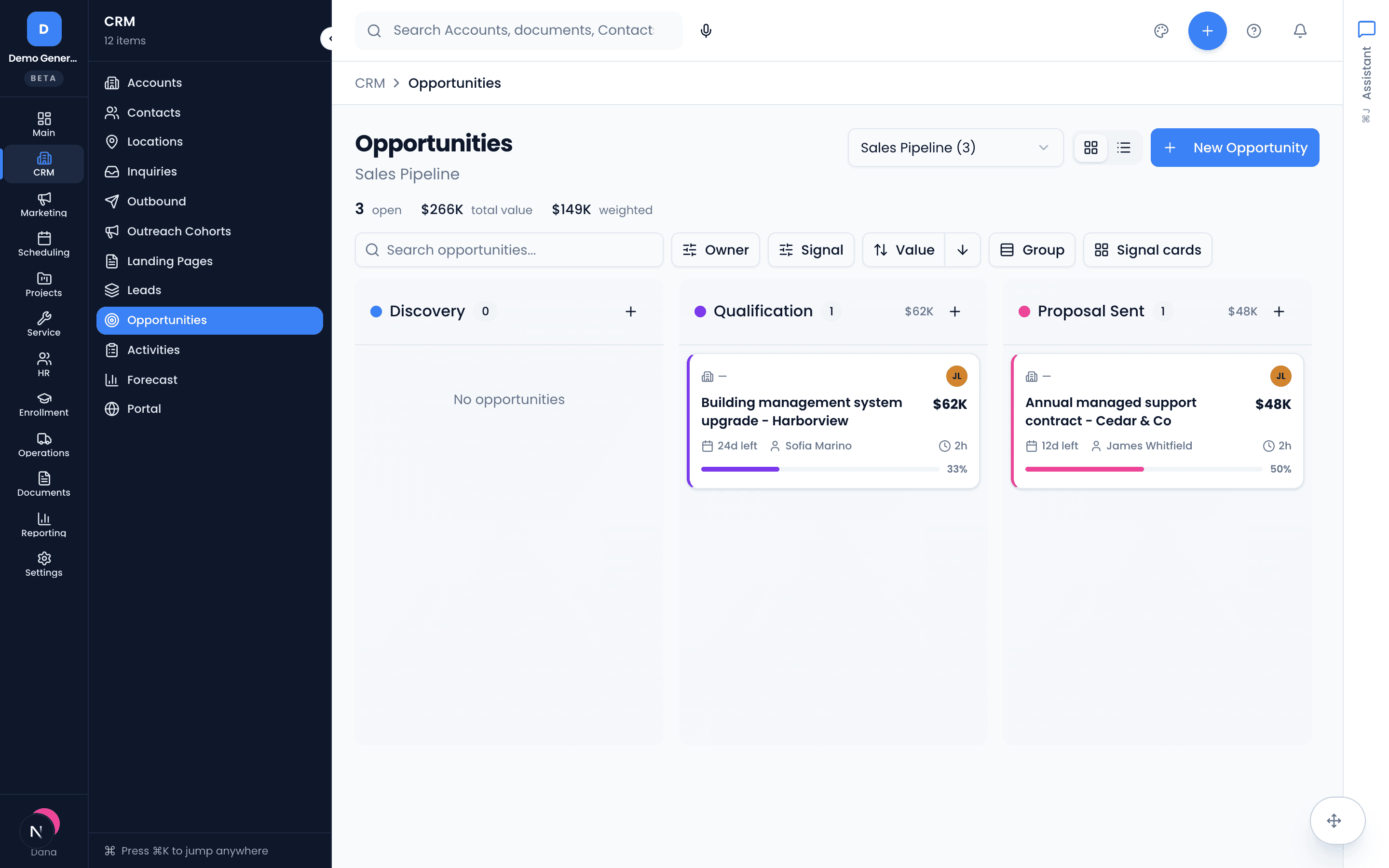
Build the operating thread
- 1
Create the client relationship record
Add the client as an account, attach the people involved, and record the current opportunity stage. Keep discovery notes on the relationship timeline so the next person sees the same context.
Vertiqa handles
Vertiqa keeps account, contact, opportunity, and activity context connected on one timeline.
Your team reviews
A relationship owner confirms the contact details, opportunity stage, and any sensitive notes before the team relies on them.
- 2
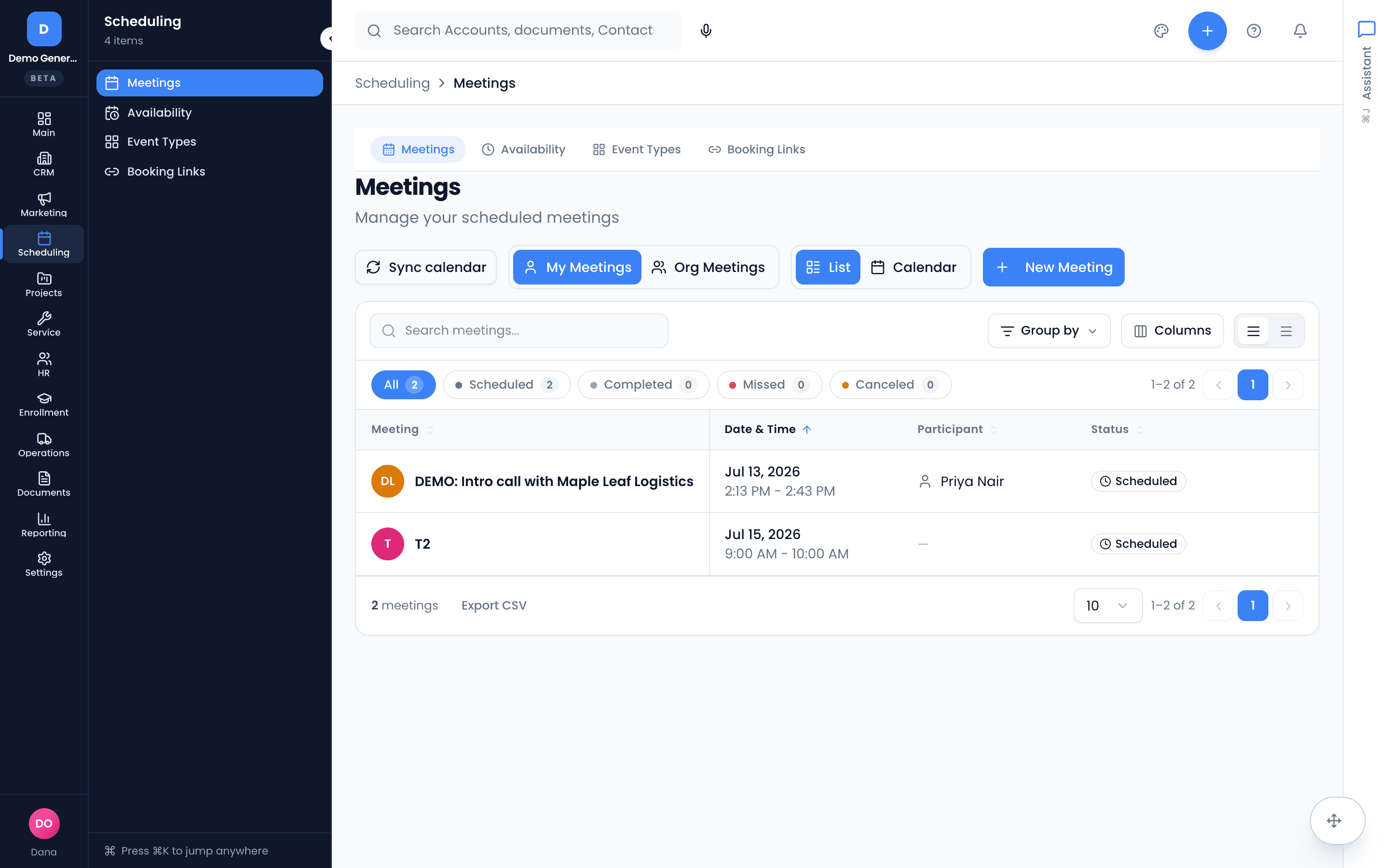
Turn the next commitment into scheduled work
Set the next follow-up with an owner and due date, then schedule the working session. Use the opportunity as the anchor rather than creating an unconnected calendar reminder.
Vertiqa handles
Due work and meeting status stay visible beside the client relationship instead of living in separate personal lists.
Your team reviews
The owner approves customer-facing timing and checks calendar availability before sending an invitation.
- 3
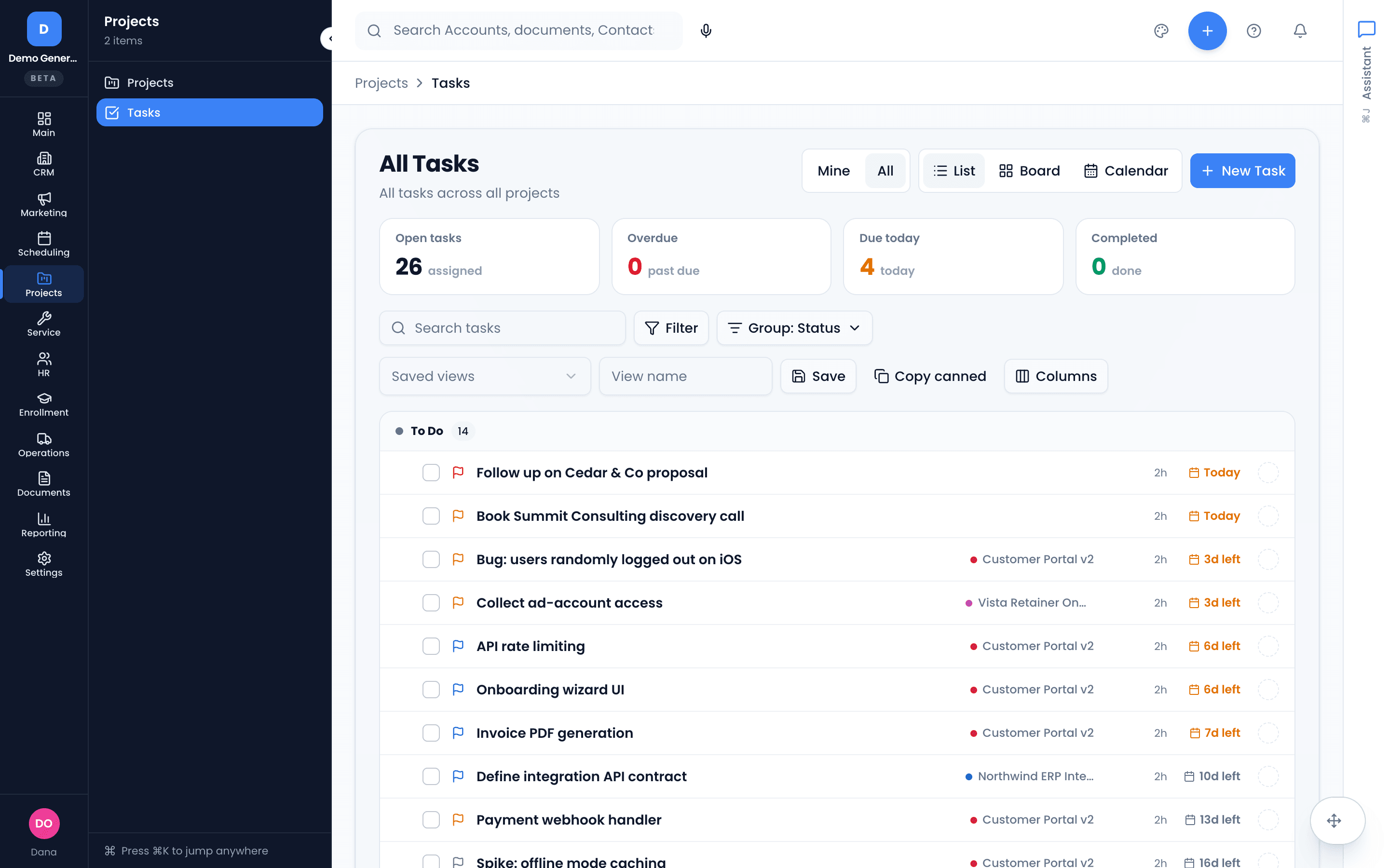
Create the delivery project
When the engagement is approved, create the project and break the scope into owned tasks. Record decisions and changes where the delivery team can trace them back to the client.
Vertiqa handles
Project tasks make ownership and status visible while the CRM record preserves the commercial context.
Your team reviews
The engagement lead reviews scope, owners, and dates before work begins or the client receives a commitment.
- 4
Close the loop after every client touchpoint
Log the outcome, assign the next action, and draft the recap while the conversation is fresh. Treat the timeline as the record of what was promised and what happens next.
Vertiqa handles
Vertiqa can surface follow-up work and prepare drafts from recorded context.
Your team reviews
A human reviews every external message and material commitment before it is sent or marked complete.
See the workflow in Vertiqa
Automation with a clear review boundary
Vertiqa organizes context, surfaces due work, and can prepare drafts. Human review remains the boundary: you approve external messages, schedule changes, scope, pricing, and client commitments.