Organization profile
Set your organization's identity, logo, contact details, address, and locale — the branding that public pages and documents carry.
Reviewed AdminVertiqa 1.64+
Organization holds your organization's name, branding, contact details,
address and locale. Invoices, emails, page headers and agents all draw on it.
Open Settings → Organization (route /settings/organization). Anyone can
view it; only owners and admins can save changes.
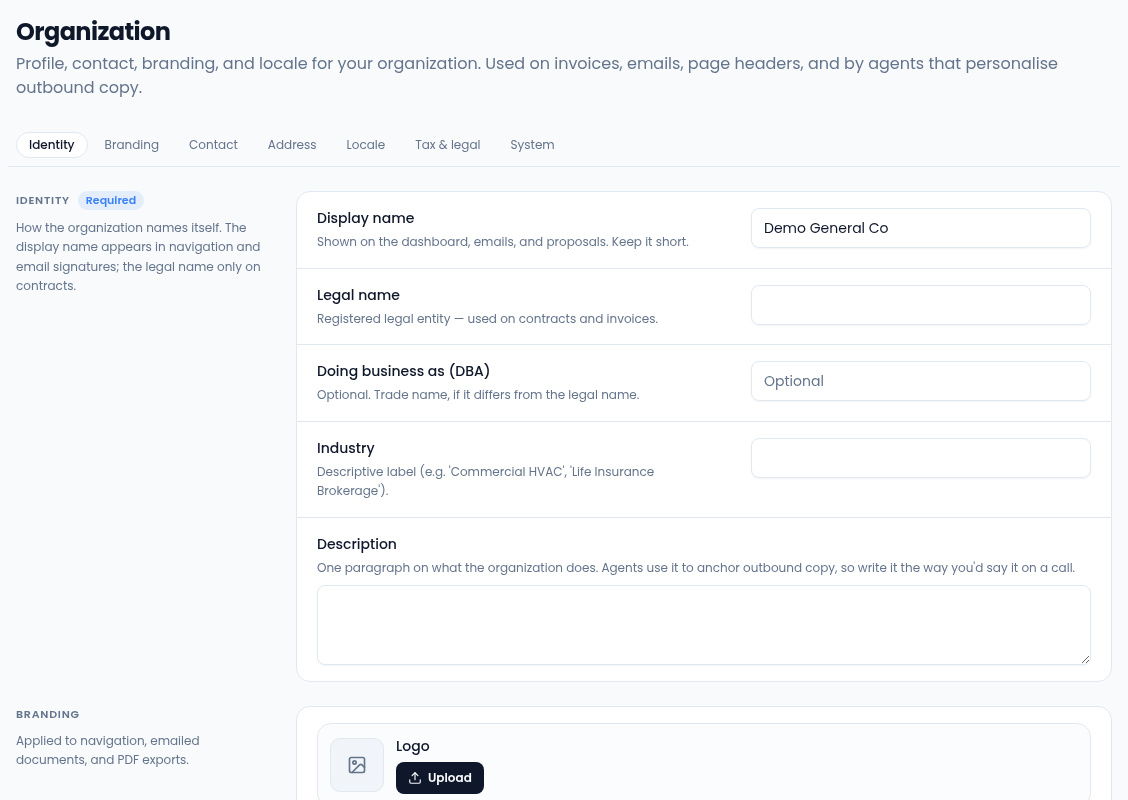
Identity
- Display name: shown on the dashboard, emails and proposals. Keep it short.
- Legal name: the registered entity, used on contracts and invoices.
- Doing business as (DBA): a trade name, if it differs.
- Industry: a descriptive label, such as "Commercial HVAC".
- Description: one paragraph on what you do. Agents use it to write outbound copy, so write it the way you'd say it on a call.
Branding
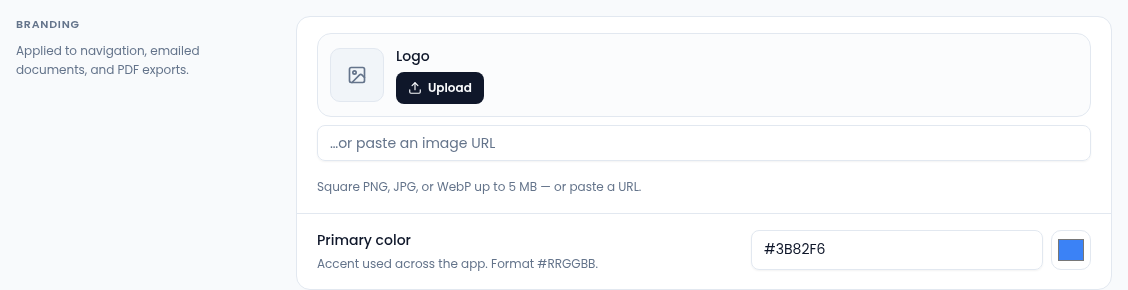
- Logo: select Upload for a square PNG, JPG or WebP up to 5 MB, or paste an image URL. Until you add one, public pages such as your booking page show your initials.
- Primary color: the accent used across the app, as
#RRGGBB, or pick it with the color picker.
Contact, address and locale
- Contact: Website, Main phone (shown on invoices and email signatures), Support email (the reply-to address) and Billing email.
- Business address: printed on your public booking page and on invoice and estimate PDFs. The address on marketing emails is set separately in Sender details.
- Locale: Timezone (used for scheduling, reporting and SLA clocks)
and Default currency for estimates and invoices, as a three-letter code
such as
USD. - Tax & legal (optional): Tax ID and Registration number, shown on invoices when present.
System
System shows your subdomain, custom domain, vertical and plan. These can't be changed here: contact support, or change your plan in billing.
Save your changes
When you change a field, a bar appears at the bottom of the page. Select Save changes; the new details apply to invoices, emails and agent copy straight away.