Social posts
Compose LinkedIn company page posts, submit them for approval to publish now or at a scheduled time, follow them in the queue, and pause a channel when you need to stop posting.
Social is where you write and schedule posts for your LinkedIn company
page. Every post is approved before it's published. Open Marketing →
Social (route /marketing-social).
Connect LinkedIn first
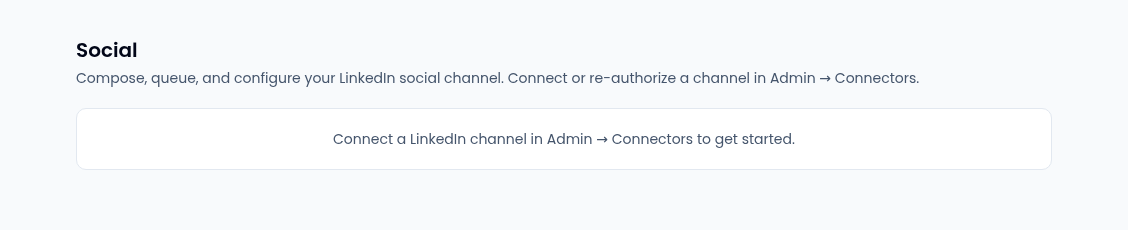
Social needs a connected LinkedIn Company Page. Find it under Social in Integrations; it's an organization-wide connection, set up through Manage in Admin. Once it's connected, Social shows a Channel picker and four tabs: Compose, Queue, Channel and Analytics.
Write and submit a post
- On Compose, write the Commentary. The counter shows how close you are to LinkedIn's character limit, and the post can't be saved over it.
- Optionally attach Media: its type, its URL and alt text, then Attach. The tab shows how many items the channel allows.
- Optionally link the post to a Campaign, so it shows on that campaign and on the content calendar.
- Check the LinkedIn preview, then select Save Draft.
- Choose when it goes out. Best time to post suggests a day and hour (UTC), and says whether that comes from your past posts' engagement or from general LinkedIn practice. Set a Scheduled time and select Schedule, or select Publish now.
Both Schedule and Publish now submit the post for approval: nothing reaches LinkedIn until it's approved. If the channel's connection has expired, you can still write and save drafts, but submitting waits until it's re-authorized.
Follow posts in the queue
Queue lists the channel's posts, newest first, with a Filter by status of All, Draft, Scheduled, Publishing, Published or Failed. A failed post shows LinkedIn's error, and a published one links to the post.
Channel settings and pausing
Channel shows the connection's status and when its token expires, plus:
- Display name, Daily publish cap and Default visibility, saved with Save channel config.
- Best-time posting preference — stored for later; it doesn't change scheduling yet.
- Pause channel (engage kill switch) holds every scheduled and queued post
on the channel without failing them. Resume channel (disengage kill
switch) carries on at the next publishing cycle. Pausing and resuming need
the marketing consent admin permission (
marketing.consent.admin).
Analytics
Analytics shows Impressions, Reactions and Link clicks under Per-channel engagement and Per-post engagement.