Attribution
See which campaigns and lead sources led to won deals — last-touch revenue as the booked figure, influenced revenue kept separate — over the last 30, 90 or 365 days.
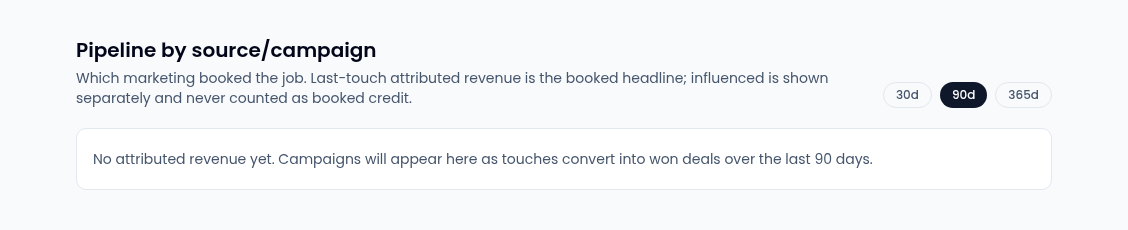
Attribution answers "which marketing booked the job?". It lists each
campaign, by lead source, with the won-deal revenue it gets credit for. Open
Marketing → Attribution (route /marketing-attribution); the page is
titled Pipeline by source/campaign.
Choose a window
Select 30d, 90d (the default) or 365d to count won deals from the last 30, 90 or 365 days.
Read the table
| Column | What it shows |
|---|---|
| Campaign | The campaign. There's one row for each campaign and source |
| Source | Where its leads came from, such as outbound, inbound or referral |
| Attributed revenue | Revenue from won deals where this campaign was the last touch. This is the booked figure |
| Influenced | Revenue from won deals the campaign touched earlier, without being the last touch |
| Touches (high / low) | How many high-confidence and low-confidence touches it had |
Influenced revenue is never added to attributed revenue: one deal is booked to one campaign. A campaign whose only touches were opens or deliveries shows influenced (low confidence) instead of an amount, because those touches don't show the deal came from it.
Each campaign's own page shows the same last-touch figure under Performance. See Create a campaign.