Batch report
See a batch's enrollments, attendance and fee collection for a window, find the students falling behind, and export attendance to CSV.
Each batch has a report that pulls its numbers together. Open the batch and select Report.
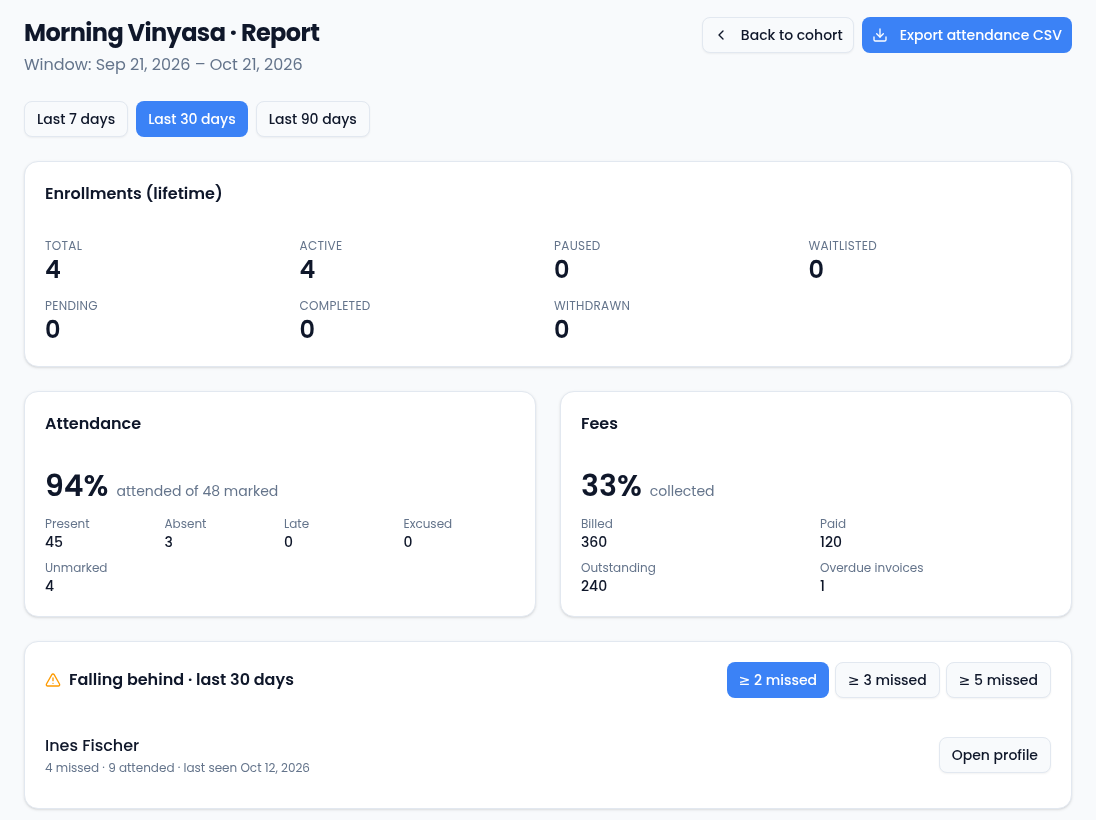
- Last 7 days, Last 30 days and Last 90 days set the window.
- Enrollments (lifetime) counts every enrollment the batch has had, by status, including completed and withdrawn ones.
- Attendance is the share of marked attendance that was present, with the count of each mark. Unmarked shows students nobody has marked yet; they don't affect the percentage.
- Fees is the share of the batch's billed fees that has been paid, with the amounts billed, paid and outstanding and the number of overdue invoices.
Students falling behind
Falling behind lists students who missed at least a number of sessions in the window, worst first. A session counts as missed when the student was marked absent or was never marked. Choose ≥ 2 missed, ≥ 3 missed or ≥ 5 missed. Each student shows how many they missed and attended and when they were last seen; Open profile opens the student. When nobody crosses the line, it says Everyone is on track.
Mark attendance at every session, or students who came but weren't marked show up here too.
Export attendance
Export attendance CSV downloads every attendance mark for the batch in the window, one row per student per session.