Policies, budgets, and schedules
How guardrails, usage limits, and recurring checks work together before AI loops run.
Guardrails, usage limits, and recurring checks are the main controls that decide whether agent loop work should run, what it may do, and how much it may cost. They should be reviewed together, not as separate settings.
The control model
- Guardrails answer: what is this agent allowed to read, propose, or execute?
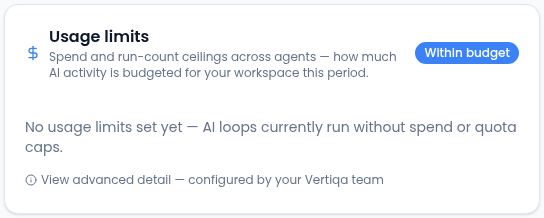
- Usage limits answer: how much spend, quota, or latency is acceptable?
- Recurring checks answer: when and how often should the agent loop run?
An agent loop may be correctly scheduled but still blocked by a guardrail or usage limit. That is expected. The controls are designed to stop work that is not allowed or not affordable.
Reviewing controls from AI OS Activity & Health
Open AI OS Activity & Health at /ai-os to see the current state of
all three controls across your workspace at a glance. Each panel has a
link to the advanced admin detail surface if you need to make changes.
Recommended rollout
-
Start with propose-only guardrails for record-changing actions.
-
Add a low usage limit while the agent loop is being evaluated.
-
Run recurring checks manually with run now before enabling recurrence.
-
Watch Recent activity in AI OS Activity & Health and the Command Center queue for the first few executions.
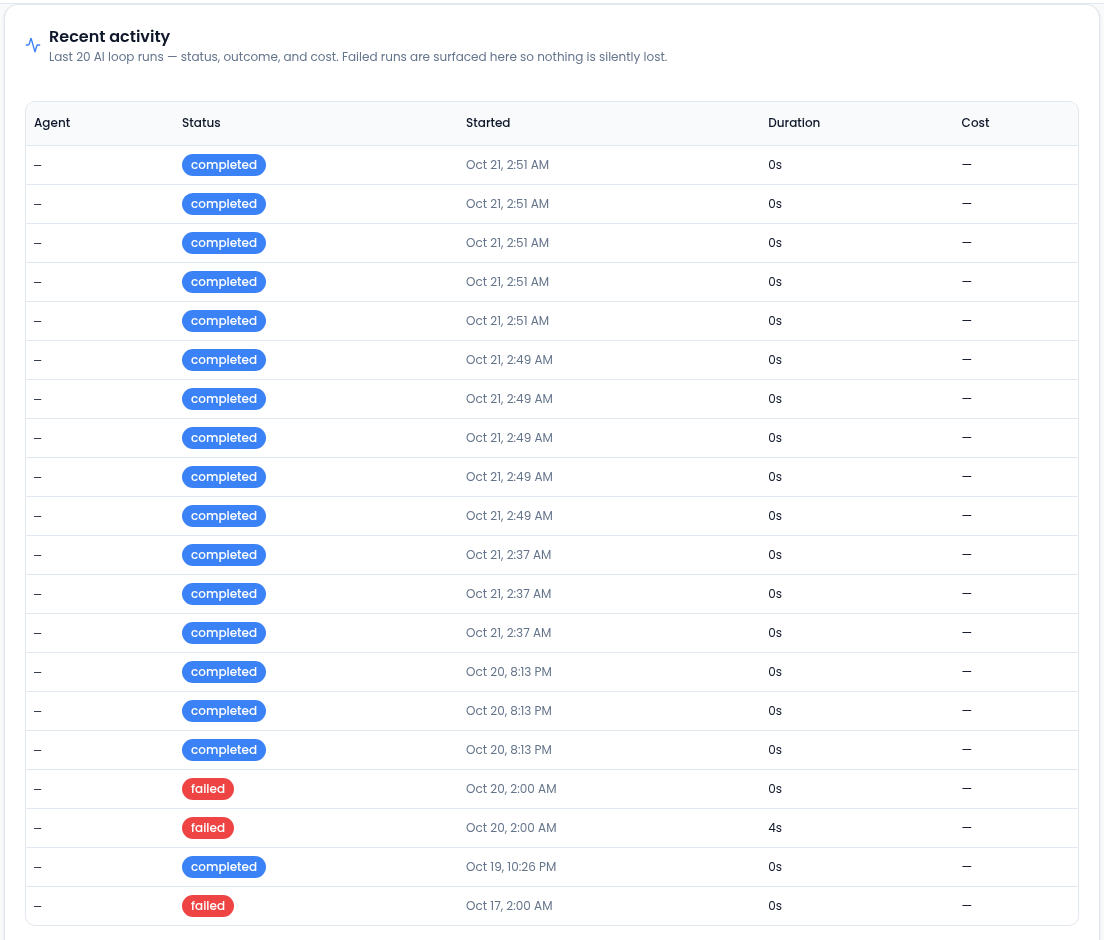
Check each early run here before raising autonomy. -
Increase autonomy or usage limits only after reviewing successful runs.
Reading usage limit status
- Within budget — usage is within the configured ceiling.
- Approaching limit — usage is nearing the warning threshold.
- Over limit — usage has exceeded the configured ceiling.
When a usage limit is over, reduce run frequency, narrow the agent scope, or raise the limit only after reviewing whether the work is valuable.
Guardrail rejection is not an error
A guardrail rejection usually means the agent attempted something outside its allowed autonomy. Review the action, evidence, and target record. If the action is safe, update the guardrail deliberately; if not, leave the control in place.
Advanced admin detail links
For detailed editing of guardrails, usage limits, and recurring checks, use the links in each AI OS Activity & Health panel. These open the advanced system admin detail surfaces:
- Guardrails advanced detail:
/admin/policies - Usage limits advanced detail:
/admin/budgets - Recurring checks advanced detail:
/admin/schedules
These admin surfaces are preserved for operators who need fine-grained configuration beyond what the AI OS Activity & Health summary panels show.
Related
Learn more about the AI assistant →